This screen is for the owner of onedo.me/demo2agency. If that is you, sign in with
Google (top right of this card) using the account that owns this page — this
device becomes an owner device on the spot. Claimed the page without an account?
Then open your private owner link on this device once and come back here.
👤 Owner view👁️ Customer view— your page with none of your own tools on it
1✏️ What visitors see on your page
💾 Changes are saved automatically — there is no Save button.
Import from my website — one address fills the form below (nothing is on your page until you press the button that appears)
Logo
Photo
Background image
✓ Background saved (shown behind this screen) — choose a file to replace it.
Second image — right side (optional)
With only a background image, it covers the whole screen. Add this second one and wide screens show them side by side instead: the first left of the centre column, this one on the right. Needs a background image to show.
🔊 A spoken message (max 2 minutes)
Record a sentence on your phone and put it here —
your own voice on your own page. MP3, WAV, M4A or OGG; longer files are cut to
two minutes.
🎥 A video (max 1 minute)
MP4, MOV or WebM, up to 24 MB. It is re-encoded to
720p so it plays quickly on a phone, and cut to one minute.
🔒 Sound and video
come with OneDo Plus — €5 a month, and included
free with every AI receptionist plan.
Links (max 3)
💾 Saved automatically.
1b🏪 Layout: Card or Business
💾 Changes are saved automatically — there is no Save button.
Switching back and forth loses nothing: what you write below stays saved
either way, and only shows while Business is on.
Colour
💰 What you offer
A service with its price (“English lesson, 1 hour — ₱300”), a
product you sell, or one you recommend. Each gets a button: Call me, Order so
customers can order it right on your page, or Open a link for a shop or affiliate link.
🛒 Orders
Every order also reaches you by e-mail, on the devices where you switched
notifications on, and by text message if your phone number is under routing. Call the customer
back to confirm; they pay you on delivery or as you agree.
📰 Articles
Every article gets its own address and its own picture when you share it
in Messenger, WhatsApp or a Facebook group — that is how most visitors will find you.
Tips, a review, “how I…”: short and useful beats long.
💳 How to pay me
Your GCash, Maya or bank QR code, and/or a line of text (a bank account,
PayPal, Wise). Customers pay you directly — OneDo.me never touches the money.
Then your page says so in one line at the bottom, which the law asks of you.
Links to Shopee, Lazada, Amazon and similar shops get that line automatically.
Checks, and Google
Each offer and article is read by an automatic check before it shows,
which takes a few seconds. It only stops things like scams, “get rich” schemes,
gambling and adult content. Anything held back stays saved here and is looked at by a person.
New Business pages are not in Google search at first; people find them through the links
you share.
2⚙️ How your page behaves
💾 Changes are saved automatically — there is no Save button.
Off means callers never see whether you are there —
they can still call, and your assistant still answers.
Set per device: switch it on once on your
phone, and again on your laptop if you want both to ring.
You open your line in advance and leave it open; the next
caller is connected straight away, with no ringing.
What that means in practice
Your page gets a button that opens your line in advance —
handy when your hands are full. The caller hears a short beep instead of a ring.
Your microphone stays on while you wait, and the page has to stay open. Off by
default, so your page rings the way people expect.
For transcripts, the weekly summary and texts to you.
Callers still pick their own language, per call.
3📞 Who else may answer?
This is the one thing on this screen that is not saved
automatically — pressing it sends real e-mail, so you decide when.
They get a link, their phone rings along with yours, and whoever picks up first
takes the call.
What they can and cannot see
They sign in with Google using that same address. They can
read the messages your assistant wrote down, because whoever calls someone back
needs to know what was asked. Your settings, your invoices and this list stay
yours alone. Remove someone and they are locked out immediately.
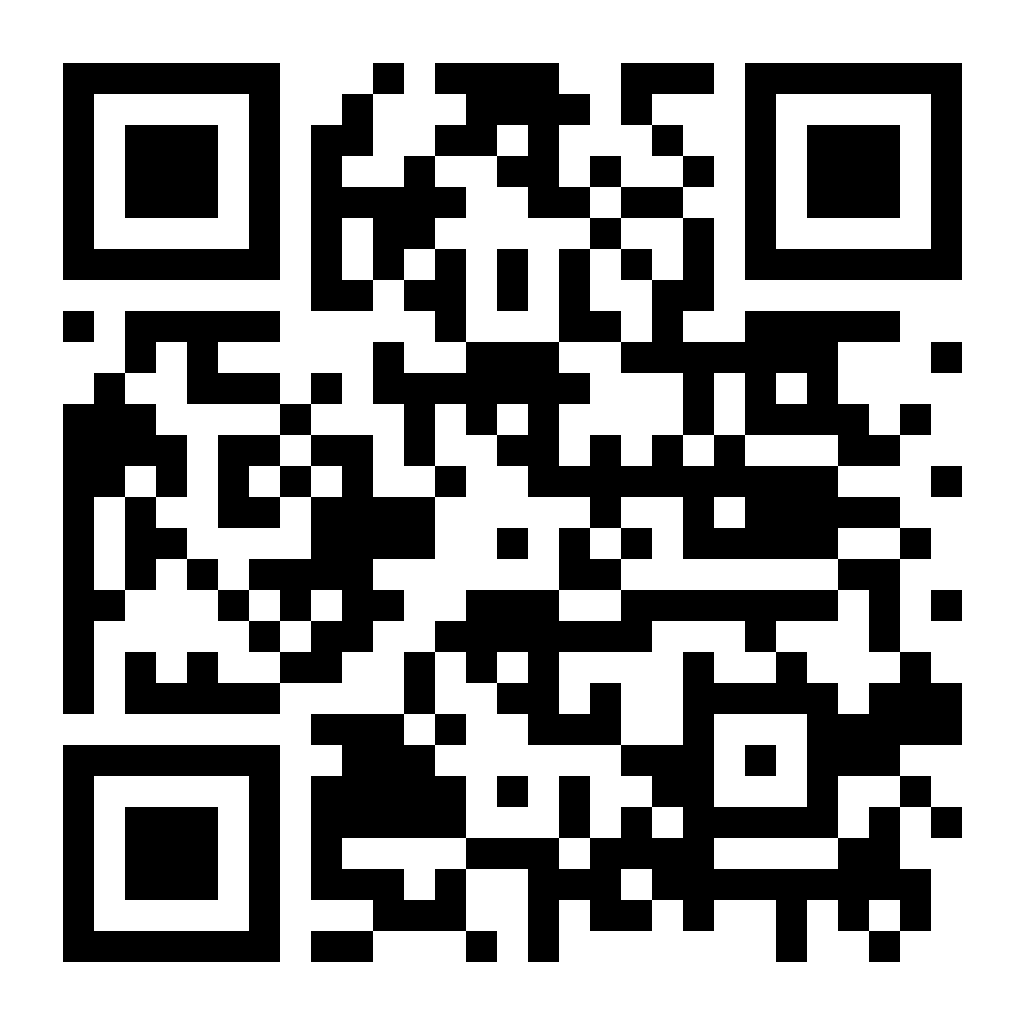
4📱 Your QR code
Your page as a QR code — put it in your shop window, on your car,
on t-shirts, anywhere. Scanning it opens onedo.me/demo2agency. Download PNG (print) ·
Download SVG (for designers)
5💻 This page on your other devices
Want another device
(like your phone) to ring and own this page too? Open onedo.me on it and sign in with
the same Google account — that is all. Nothing to copy, nothing to keep safe.
This page is not linked to
a Google account yet, so this browser is the only thing that owns it. Sign in (top right)
to link it — or, to add another device the old way:
6✉️ Collect e-mail addresses
💾 Changes are saved automatically — there is no Save button.
For a newsletter, a waiting list, "let me know when you open" —
the first thousand addresses are free, and they are yours: download them whenever you
like and use them in any mailing tool.
⚠️ The box is
off, so nothing of this is on your page yet — tick the box above
to show it to visitors.
Say what they get and how often. “Leave your e-mail and I will
send you one recipe a week” fills in; “Subscribe” does not.
They are yours, not ours: we never mail them, never sell them
and never use them for anything except handing them back to you. That also makes
the rules around them yours — write only about what you asked them for, and
remove anyone who asks. This button erases the whole list at once, which is what
you press when somebody asks to be forgotten and you have already saved the file.
7📈 How your page is doing
Two numbers, because one of them alone cannot tell you anything.
If nobody called, visitors says whether that is because nobody came,
or because they came and did not press Call — and those need opposite fixes.
Visitors
Called
🔒 Counted, not tracked: a tally per day and nothing else.
No cookie is set, no address is stored, and nobody can be picked back out of it —
the same promise the page makes to your callers.
💎 OneDo Plus — €5 a month
Everything the free page does, plus: a spoken
message and a video on your page, room for
10,000 e-mail addresses instead of 1,000, and the OneDo badge at the
bottom becomes optional.
Leaving it on is how strangers find out where your page came
from — and it costs you nothing. We would rather you kept it, so we say so
honestly instead of hiding the switch.
8🤖 Your AI assistant
💾 Changes are saved automatically — there is no Save button.
Have it in a document already?
— the text lands in the box above (max 3000 words) so you can check and edit it before saving.
These go to the ear that listens, not to the assistant's answer: when two words sound alike, the ones you list here win. Worth a minute if callers say a word the assistant keeps mangling.
💾 Saved automatically.
Already have a business number? Leave it where it
is. Your own line can hand callers to this assistant when you are busy, when nobody
picks up, or outside your opening hours — you keep your number and your contract,
and you switch it off again whenever you like. That is call forwarding, not porting:
nothing moves away from your operator. The panel below is how you switch it on.
8b☎️ A telephone number of your own
Your own business line forwards to a number we set up for you, and
your assistant picks up there exactly as it does on your page — same voice, same
opening hours, same message in your inbox afterwards. Callers keep ringing the number
they always rang. The number we give you is plumbing: it is never published anywhere,
and nobody has to learn it.
€12 a month. That is the line itself,
and you can stop it at the end of any month — there is no term and
no notice period. If your page has not had its one-off €60 onboarding
yet, it is on this first invoice instead: we call your assistant, check your text and tune
it until it sounds right. Every page pays that once, whether it starts with a plan or with
a line. Talking minutes come out of the bundle you already pay for, at the
same rate as a call from your page; there is no separate price for a call that arrives by
telephone.
One thing to know before you stop it: we rent your number from a
carrier by the month, so when you cancel we hand it back rather than keep paying for a
line nobody uses. Come back later and you get a new number. If you are only pausing for a
season, say so and we will hold your number — the €12 keeps running, and the
number stays yours.
Which countries we can do this in varies, and we check yours
before we charge you anything: a number we cannot get is a number we do not bill
for. If yours turns out not to be available, we refund what you paid for it in full.
9🚨 When a caller says it cannot wait — an SMS to your phone
💾 Changes are saved automatically — there is no Save button.
Your assistant can send you an SMS with the caller's name,
number and what is so urgent — while they are still on the line. Without a number here it does
not offer that at all; it takes a message instead.
International format, starting with +. A partner, an assistant or a
colleague can be alerted alongside you — everyone on this list gets the same SMS at
the same moment, so whoever is free calls back first. Only urgent callbacks go to the whole list. Appointment confirmations and
your usage warnings go to the first number alone, because every SMS costs money.
9b📧 Where your messages land
Every call your assistant takes, and every text message sent to
your number, arrives here as an e-mail — with what was said and any address the
caller gave. Leave it empty and it goes to the account you signed in with. Fill it in
for a shared inbox the whole shop reads, rather than one person's address.
10📅 Let the assistant book in your calendar
From your Cal.com API keys. Callers get offered your real free
slots and the booking lands in your calendar. Leave empty and the assistant simply takes
a message instead. Cal.com is the go-between, not a second calendar. It connects to the one
you already keep — Google Calendar, Outlook, Apple — so it knows when you are
busy and puts the appointment where you already look for it.
This is the number that says what callers may book. In
Cal.com, every kind of appointment you offer is an event type — a
“30 minute intro call”, a “Quote at your address” — and each
one has its own number. Open the one you want under
Event Types:
the address bar then reads app.cal.com/event-types/1234567.
Put that number here. However long you made that event type is how long the assistant
blocks in your day.